
Make a Gaming Montage With AI
Your clips, assembled: merge the highlights, ramp the speed, score it with AI music, export for every platform.
A gaming montage compresses hours of play into a minute of highlights — kills, clutches, fails — cut to music. The gameplay is yours; what AI removes is the editing grind: ViralMint merges your clip folder in order, the Speed tool ramps slow-mo on the money moments, the AI Music tool generates a copyright-safe track that won't get the upload muted (the chronic montage problem — licensed tracks eat monetization), and captions punch the kill counts or callouts onto the screen. Vertical reframe converts 16:9 captures for TikTok and Shorts, tracking the action. Everything except the optional music generation is free local processing, which suits a format built on posting often.
How to make a gaming montage with AI
-
Collect and merge the clips
Drop your capture folder in, order the highlights, and merge. Front-load the single best moment — montages earn their watch time in the first two seconds.
-
Ramp the speed
Slow-mo into the headshot, snap back to full speed on the hit. The Speed tool applies ramps per segment without a timeline editor.
-
Score it copyright-safe
Generate an EDM/phonk-style track with the AI Music tool ($0.15, royalty-free) so the montage keeps its audio on every platform. Captions for kill counts, then the vertical export.
Example prompts to start from
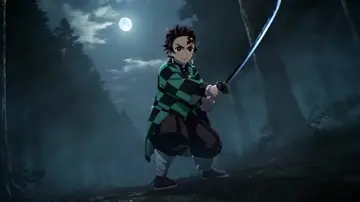
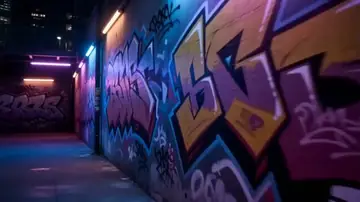
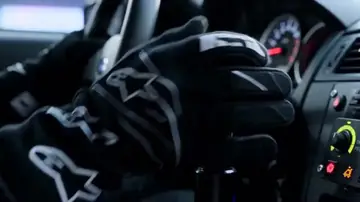
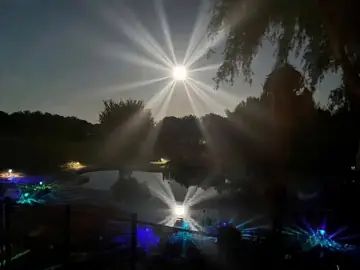
From ViralMint's free prompt libraries — click any card for the full prompt and recommended settings.


Frequently asked questions
Can it find my highlights automatically?
For streamed VODs with commentary, yes — the AI clip extractor ranks hype moments from the transcript and audio energy. For raw silent gameplay captures, you pick the moments; the assembly is what gets automated.
Why AI music instead of the phonk track everyone uses?
Because that track is licensed and will get your upload muted or demonetized on at least one platform. Generated tracks are royalty-free and can be prompted into the same phonk/EDM energy — the vibe without the strike.
Does the vertical crop keep the action in frame?
Auto-reframe tracks the action center — for shooters that's usually crosshair-centered anyway, which converts cleanly. Review the crop on clips with off-center action; you can override the framing per segment.
Make your first {page.styleName} today
ViralMint is a free, open-source desktop app. No subscription — top up credits and pay cents per generation.