
Make an Anime Video With AI
Type a scene, pick a video model, get an animated clip — no drawing skills, no After Effects.
An AI anime video is a short animated clip generated from a text description by a video model such as Seedance 2.0, Sora 2 or Grok Imagine — cel-shaded characters, Ghibli-style landscapes, manga fight sequences — without any manual animation. ViralMint is a free, open-source desktop app that generates anime-style clips through its AI Video tool: you describe the scene (or start from a reference image), the model renders 5-15 second clips, and ViralMint stitches, captions and scores them into a finished short. Clips cost cents on prepaid credits; there is no subscription and no watermark. The example prompts below come from ViralMint's free anime prompt collection — click any of them to see the full prompt and recommended settings.
How to make a anime video with AI
-
Describe the scene
Open the AI Video tool and write the shot like a storyboard: character, setting, camera move, mood — 'cel-shaded samurai walking through falling cherry blossoms, slow dolly-in, golden hour'. Or copy one of the anime prompts below.
-
Pick a model and style
Seedance 2.0 and Grok Imagine are strong at stylized animation; Sora 2 handles complex motion. Choose 9:16 for Shorts/TikTok or 16:9 for YouTube.
-
Generate and extend
Each clip renders in about a minute for a few cents. Chain multiple clips into a sequence and ViralMint stitches them with FFmpeg — add music, captions and a thumbnail in the same pipeline.
Example prompts to start from
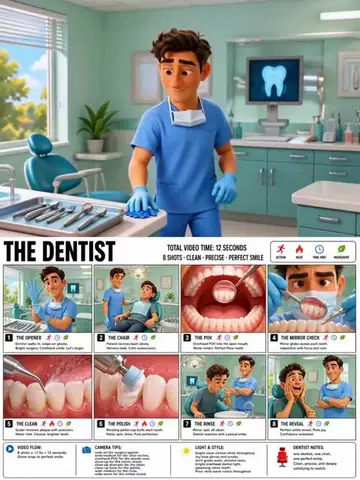
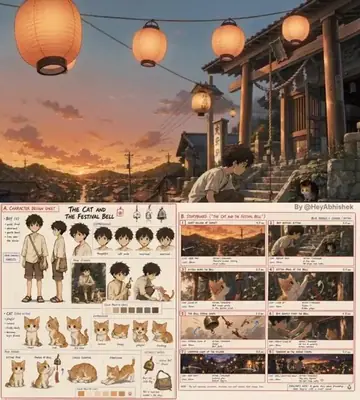
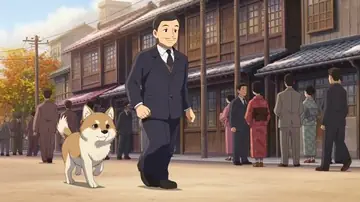
From ViralMint's free prompt libraries — click any card for the full prompt and recommended settings.



Frequently asked questions
Which AI model is best for anime-style video?
Seedance 2.0 and Grok Imagine produce the most consistent stylized animation in our testing; Sora 2 is strongest when the scene needs complex physical motion. ViralMint lets you A/B the same prompt across models and keep the best take.
Can I animate an existing anime-style image?
Yes — generate a still in the AI Image tool (or upload your own art) and use image-to-video: the image becomes the first frame and the model animates it. That's the most reliable way to keep a specific character design.
How much does an anime clip cost?
Budget-tier models start around $0.25-0.50 per 5-second clip on prepaid credits. There's no subscription — a finished 30-second anime short typically costs under $3 including voice and music.
Make your first {page.styleName} today
ViralMint is a free, open-source desktop app. No subscription — top up credits and pay cents per generation.