
Make Cinematic B-Roll With AI
Establishing shots, moody film looks and drone-style flyovers — generated to order instead of hunted on stock sites.
AI cinematic b-roll is supporting footage — establishing shots, slow push-ins, atmospheric scenes — generated from a text prompt instead of licensed from a stock library. The practical advantage over stock: you describe exactly the shot your edit needs ('rain-soaked neon alley, slow dolly forward, anamorphic flare') rather than settling for the closest of 40 search results, and every clip is unique to you. ViralMint is a free, open-source desktop app whose AI Video tool runs Seedance 2.0, Veo 3.1, Sora 2 and Wan through one interface on prepaid credits — budget clips start around $0.25. Its Smart Video pipeline can also auto-insert generated b-roll behind a voiceover, matching shots to what's being said. The cinematic prompts below come from the free prompt libraries.
How to make a cinematic b-roll with AI
-
Write the shot like a DP
Name the subject, the camera move and the light: 'abandoned greenhouse at dawn, volumetric god rays, slow push-in, 35mm film grain'. Camera language (dolly, rack focus, anamorphic) is what separates cinematic output from generic output.
-
Match the model to the shot
Seedance 2.0 for realistic scenes and camera moves, Veo 3.1 when the shot needs ambient sound, Wan for budget volume runs. Generate at 16:9 for landscape edits or 9:16 for shorts.
-
Drop it into your edit
Clips export as clean mp4s — use them in any editor, or let ViralMint's Smart Video pipeline place b-roll automatically behind your voiceover, then caption and score the result.
Example prompts to start from
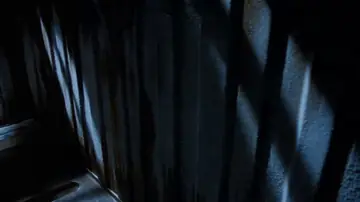
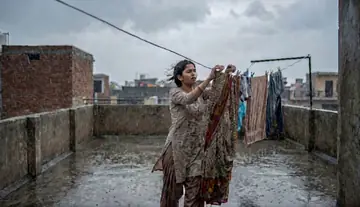
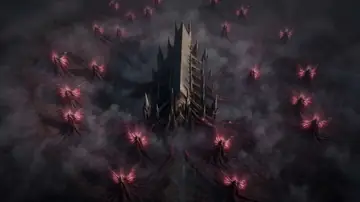
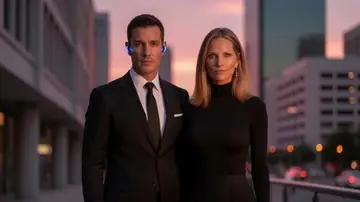
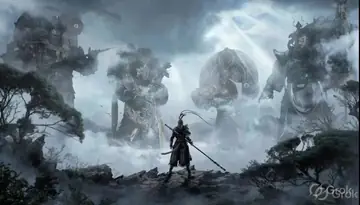
From ViralMint's free prompt libraries — click any card for the full prompt and recommended settings.
Frequently asked questions
Is AI b-roll better than stock footage?
Different trade-off: stock is real footage but generic; AI b-roll is generated exactly to your shot description and unique to your edit. Most creators mix both — ViralMint's Smart Video supports stock (Pexels), AI clips and your own footage in one timeline.
Can I keep a consistent look across many clips?
Yes — repeat the same style block (lens, grade, grain, palette) at the end of every prompt, and generate all clips with the same model. Image-to-video from a graded still is the strongest way to lock a look.
What resolution and length are the clips?
Models output 720p-1080p at 5-15 seconds per clip. ViralMint stitches multiple clips for longer sequences, and the Video Quality tools can upscale and sharpen for 4K timelines.
Make your first {page.styleName} today
ViralMint is a free, open-source desktop app. No subscription — top up credits and pay cents per generation.